Matched cameras make every production day calmer and more repeatable
A short course for small studios and event teams. Practise white balance, exposure, frame rates and focus checks on your own cameras, then bring them into line within one agreed workflow.
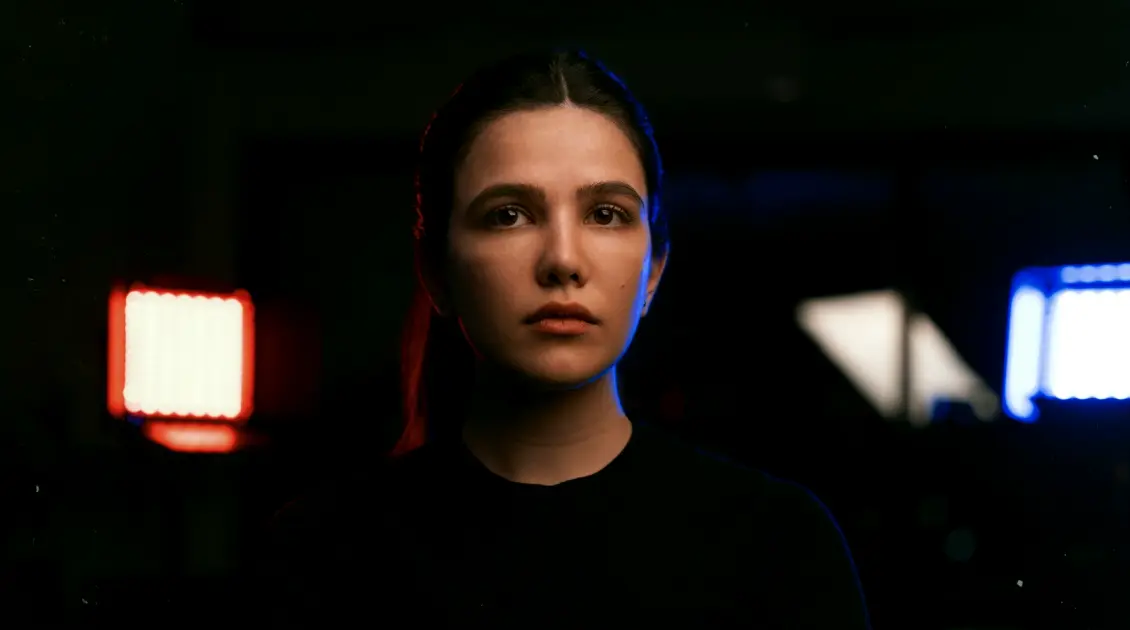
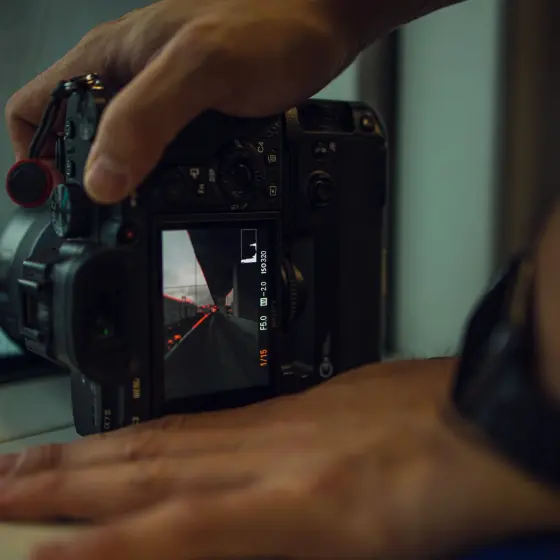
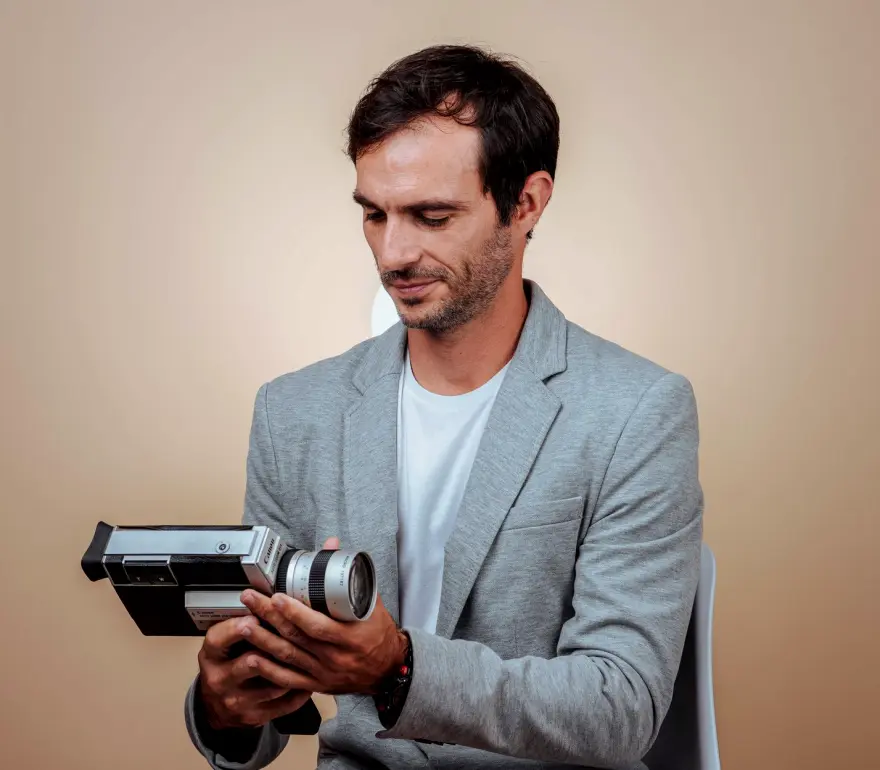
What you practise on your own cameras
Every module is built around exercises you run with the gear you already own. You arrive with your camera models and recording requirements, and you leave with settings you have tested and written down.
- Set white balance with a grey card under mixed lighting
- Read histograms and waveforms to fix exposure from shot to shot
- Choose frame rate and shutter to suit the delivery format
- Confirm sharp focus with peaking, magnification and test targets
- Compare footage from different camera models side by side
- Bring skin tones and contrast into line across cameras
- Write handover notes the whole team can follow on the day
Six modules from first setting to handover notes
The course moves from single-camera basics to a complete multi-camera workflow. You begin with white balance and exposure, plan frame rates and shutter, check focus, match different models, and finish with a review, a test session and written handover notes.
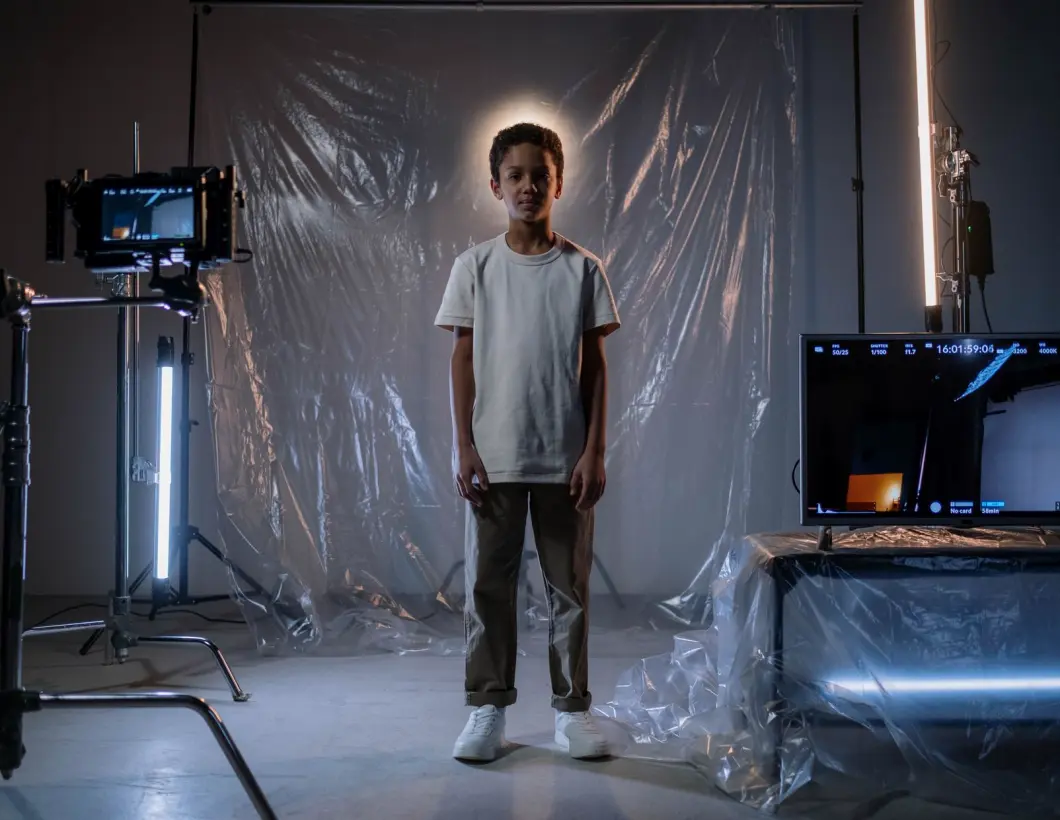
White Balance and Colour Basics
Set and verify white balance across mixed studio and event lighting, using grey cards and simple colour checks.
Exposure and Light Control
Read histograms and waveforms, set exposure consistently and keep portrait lighting predictable from shot to shot.
Frame Rate and Shutter Planning
Choose frame rates and shutter settings that suit the delivery format and keep every camera in sync.
Focus Checks and Monitoring
Use peaking, magnification and test targets to confirm sharp focus before and during a shoot.
Matching Multiple Cameras
Compare footage from different camera models side by side and bring skin tones and contrast into line.
Review, Test Session and Handover Notes
Plan a setup review, run a test session and write clear handover notes the whole team can follow.
Each module is covered in full on the Curriculum page. If you are unsure which camera models or recording needs to bring, the Contact page is the place to ask.
CurriculumThe principles behind every exercise and every settings sheet we write
Small teams rarely have time to redo a shoot because two cameras disagree. The course is organised around habits that hold up under pressure: measuring rather than guessing, explaining each setting plainly, and writing results down so that they can be reused by whoever runs the next production day.
Precision
Precision means checking every setting against something measurable. You work with grey cards, histograms, waveforms and focus targets, so a decision about white balance or exposure rests on a reading rather than on how a monitor happens to look in that room. Small differences are caught before they reach the edit.
Clarity
Clarity shows in how settings are named and recorded. Each exercise ends with a plain description of what was chosen and why, written so that a colleague who was not present can open the notes and understand the setup without calling anyone. Menus, labels and abbreviations are spelled out and kept consistent.
Repeatability
Repeatability is the aim of the whole course. A setup that worked once is tested again in a second session, then documented, so the same cameras give the same look next week, with a different operator, in a different room. Handover notes turn one good day into a routine the whole team can follow.
Get in touch
- Call us
- (402) 734-1110
- hello@starvixel.com