Who the course is for and how the practice works
The course suits people who run two or more cameras and want consistent images. Here is what to bring, who teaches, and how each session turns into written settings.
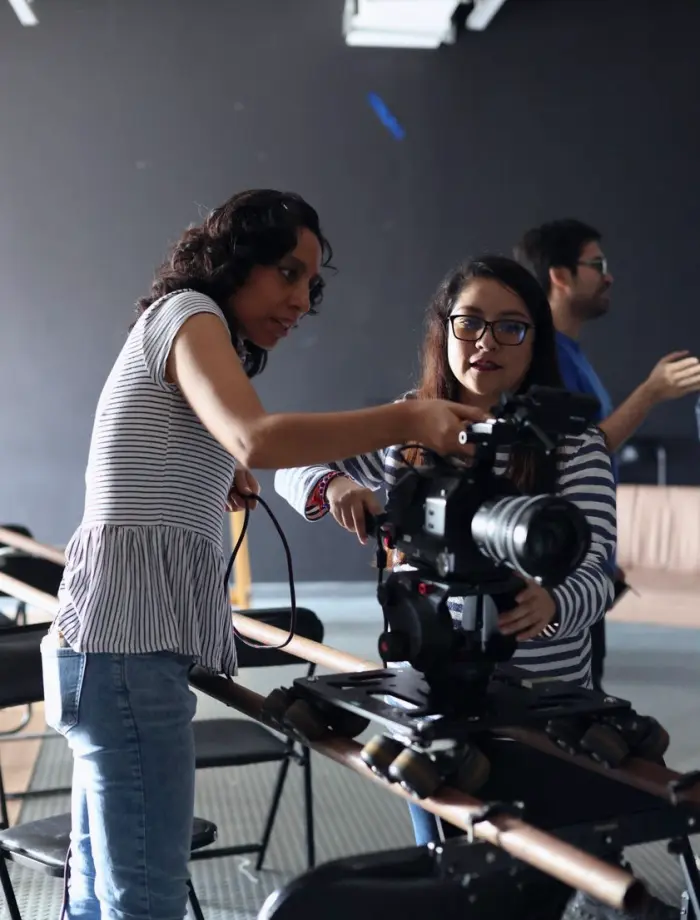
Made for small teams who run more than one camera
starvixel is aimed at small studio owners, event videographers and photographers who work with two or more cameras and want the images to look as if they came from one. If you have ever seen a warm camera next to a cool one in the edit, the course addresses that.
You do not need a large crew or a rental house. Most learners work alone or with a few colleagues, using cameras they bought over several years, often from different manufacturers. The exercises are designed for that mix of models rather than for a matched set.
The course is practical rather than theoretical. Colour and exposure ideas are explained only as far as they help you make a decision at the camera. Each idea is followed straight away by an exercise on your own equipment.
Realistic outcomes are modest and useful. You finish with tested settings for each camera, an agreed frame rate and shutter plan, a focus routine and handover notes. The course does not promise a particular look or a qualification, only a repeatable method.
Instructors Megan Hollis, Daniel Brandt and Priya Natarajan each lead the modules closest to their own work, covering colour and exposure, multi-camera workflow, and focus with test sessions.
What makes the practice time count
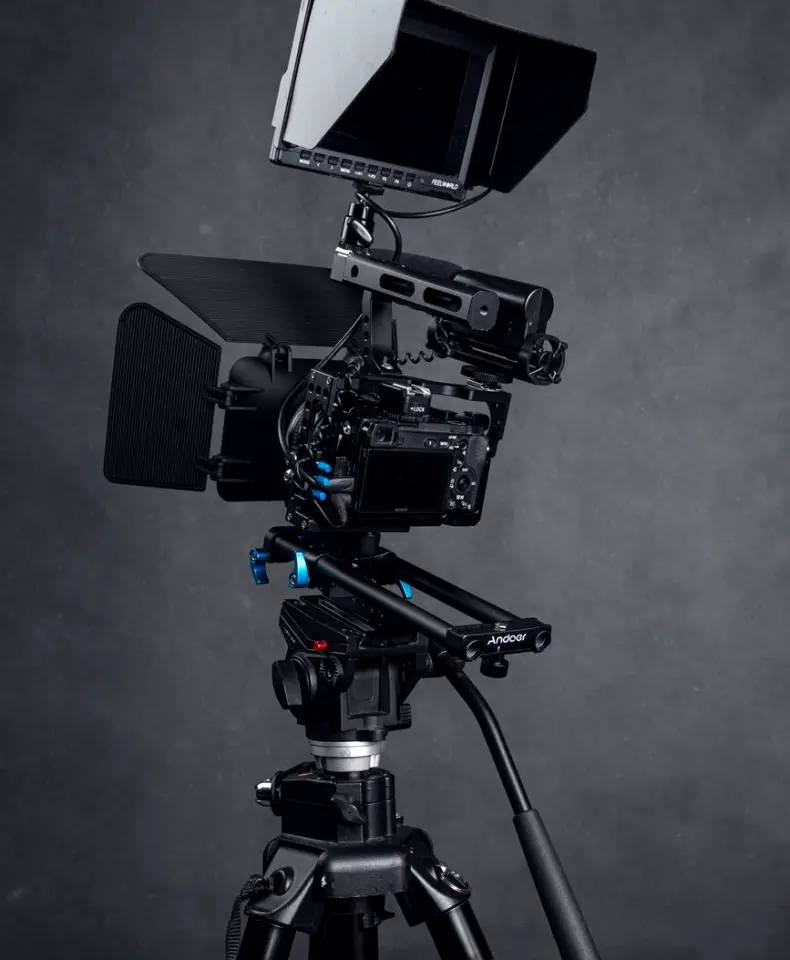
Practice sessions run faster and teach more when the groundwork is done beforehand. These four points describe how the course uses your own equipment, your own requirements and your own examples, so the time spent together goes to decisions rather than to setup.
Exercises on your own cameras
Nothing is practised on borrowed or unfamiliar gear. Because you work with the cameras you use every week, each setting you test is one you can carry straight back to your next shoot.
Requirements agreed in advance
Your camera models and recording requirements are listed before the first module. That list decides which delivery format drives the frame rate plan and which cameras need to be matched against each other.
Side-by-side comparison
Footage from different models is viewed together under the same light and subject. Seeing the difference directly makes it easier to decide which setting to change and by how much.
Notes written as you go
After each exercise you write down the setting and the reason for it. By the final module you already hold most of the material needed for a clear handover document.
How a setup moves from review to handover
The course follows the same path a production would use when bringing cameras into line: review what you have, test it, adjust it, and write it down. Each stage produces something you keep, so progress is visible and nothing depends on memory.
Setup review
Your camera models, lenses and recording requirements are reviewed together. The aim is to see what each camera can do and where the likely differences between them lie before any settings change.
Baseline settings
White balance, exposure, frame rate and shutter are set on each camera using grey cards and measurement tools. Each camera starts from a documented, measured position rather than from its defaults.
Test session
The cameras record the same subject under the same light. Focus is checked with peaking and magnification, and footage is placed side by side to show where the images still differ.
Matching adjustments
Settings are changed one at a time until skin tones and contrast agree across the cameras. Each change is retested so the effect is understood and not assumed.
Handover notes
The final settings, checks and reasons are written in plain language for the whole team. The notes are read through and tested by someone who did not take part in the exercises.
Get in touch
- Call us
- (402) 734-1110
- hello@starvixel.com