Shutter Angle Explained: The Rule Behind Smooth Motion on Every Camera
A plain-words look at the 180-degree shutter rule, how it links frame rate to shutter speed, and why matching it keeps footage from several cameras cutting together cleanly.
Megan Hollis · · 5 min read
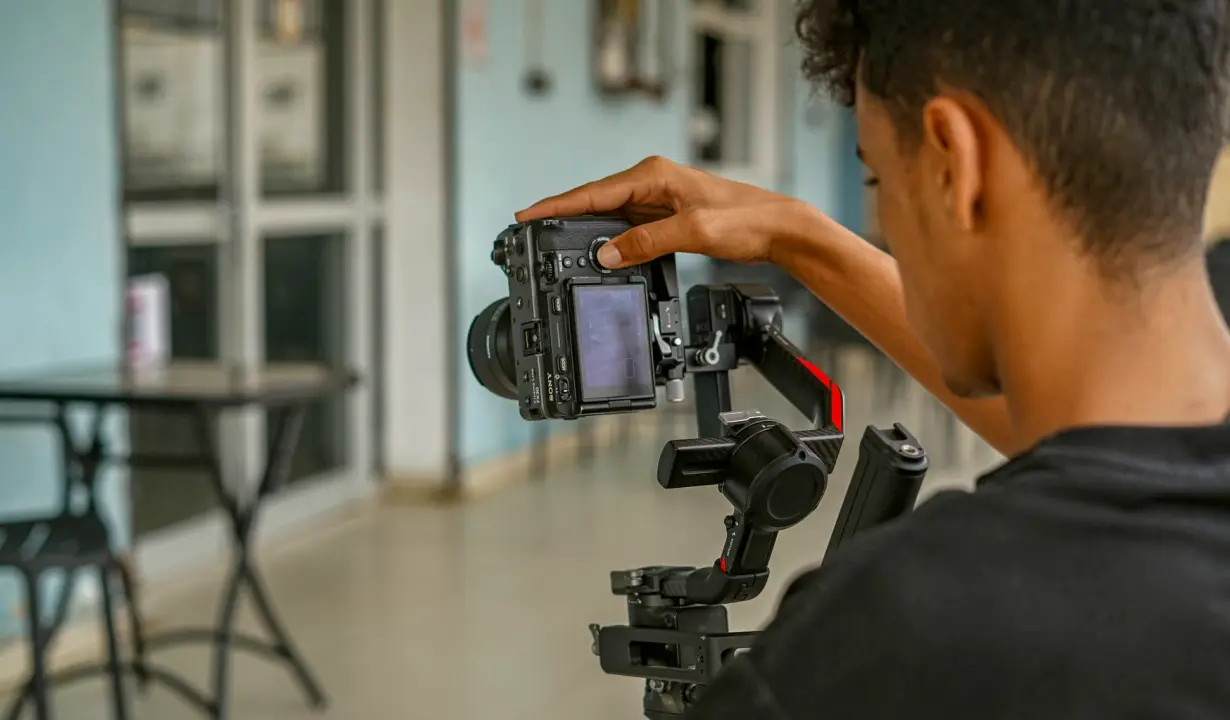
What shutter angle means in plain words
Shutter angle is a leftover term from film cameras, which used a spinning disc with a slice cut out of it. The size of that slice, measured in degrees, decided how long each frame was exposed. A 180-degree shutter meant the slice was half the disc, so light reached the film for half of each frame interval. Digital cameras have no disc, yet the idea survives because it describes something useful: the share of each frame's time that the sensor is gathering light.
On a modern camera you rarely see degrees. You see a shutter speed such as 1/50 or 1/60 of a second. The two are connected by the frame rate, and that connection is the whole rule. Once you know how to translate one into the other, the shutter menu stops being guesswork and becomes a setting you can reason about and write down.
The 180-degree rule and how to apply it
The rule is simple to state: set your shutter speed to roughly double the frame rate. At 24 frames per second that points to 1/48, which most cameras round to 1/50. At 25 frames per second the match is 1/50. At 30 frames per second it is 1/60. At 60 frames per second it is 1/120. The result is motion blur that looks natural to a viewer, neither smeared nor sharp enough to look like a stutter.
Treat it as a starting point rather than a law. A faster shutter gives crisper movement and a slightly choppier feel, which some sports and action work wants. A slower shutter adds blur and lets in more light. What matters in a team setting is that the choice is made once, on purpose, and applied to every camera in the same way.
- 24 fps: 1/50
- 25 fps: 1/50
- 30 fps: 1/60
- 60 fps: 1/120
Choosing the frame rate before the shutter
Shutter planning only makes sense after the frame rate is settled, and the frame rate comes from the delivery format. Ask where the footage will end up. A screening or web film often works at 24 or 25 frames per second. Broadcast conventions in some regions lean toward 30. If slow motion is part of the plan, a higher capture rate such as 60 is chosen so the clip can be slowed on a 24 or 30 timeline.
Write the decision at the top of your notes before anyone touches a menu. A frame rate picked on the morning of the shoot, by whoever happens to arrive first, is how a team ends up with clips that will not sit together on one timeline. Settle the number, then derive the shutter from it.
Keeping every camera in sync
When two or more cameras record the same event, matching the shutter angle is as important as matching the frame rate. A camera at 1/50 beside one at 1/250 will show the same moving hand with very different blur, and the cut between them feels like a jump even when exposure and colour agree. Viewers rarely name the problem, but they feel it.
Check each body individually. Menus differ between models: some show shutter speed, some show angle, and some hide the setting under a different mode. Go through every camera one at a time and read the value back aloud. Also confirm that automatic modes are off, because a camera left on auto may quietly choose its own shutter once the light changes.
- Same frame rate on every body
- Same shutter value, read back aloud
- Auto shutter switched off
- Settings noted per camera
When light, flicker and shutter collide
Artificial lights pulse at the speed of the mains supply, and a shutter that does not fit that pulse can show faint bands or shifting brightness across the frame. In the United States the supply runs at 60 hertz, which is why 1/60 and 1/120 are often the safest values under ordinary indoor lighting. A shutter of 1/50 under those lights may flicker on some fixtures.
If you see banding on the monitor, adjust the shutter in small steps before changing anything else, or use a flicker reduction option if the camera offers one. Test this during setup rather than discovering it in the edit. A few seconds of recording under the actual venue lights tells you more than any chart.
Writing the plan down for the team
A frame rate and shutter plan is only useful if everyone follows the same page. Keep it short: delivery format, frame rate, shutter value, and any exceptions such as a slow motion camera. Add the camera model next to each entry so nobody has to guess which body a line refers to.
Run a short test recording on every camera at the planned settings, then play the clips side by side. Differences in motion feel show up quickly when a person walks across the frame. Save the notes with the project so the next shoot starts from a known baseline instead of from memory.
- Delivery format
- Frame rate
- Shutter value
- Camera model beside each line
Shutter angle sounds technical, yet the working rule fits on a card: choose the frame rate from the delivery format, set the shutter to about double it, and apply the same pair to every camera. Check each body by hand, watch for flicker under the venue lights, and record the plan in your handover notes. Done once and written down, this removes a whole category of mismatched footage from your early autumn shoots.
You may also like
Exposure and Light Control: A Checklist Before You Decide
A practical list of questions to work through before you commit to exposure and light control training, from the cameras you run to the portrait lighting you repeat every week.
Choosing Frame Rate and Shutter Settings Before the First Camera Rolls
The tools and methods we rely on to settle frame rate and shutter angle for a delivery format, then lock them identically on every camera so the footage cuts together.
Get in touch
- Call us
- (402) 734-1110
- hello@starvixel.com