Histogram or Waveform: Which Should You Trust for Portrait Exposure?
A side-by-side look at reading exposure with a histogram and with a waveform, where each one helps in a portrait studio, and which one we recommend learners rely on first.
Daniel Brandt · · 5 min read
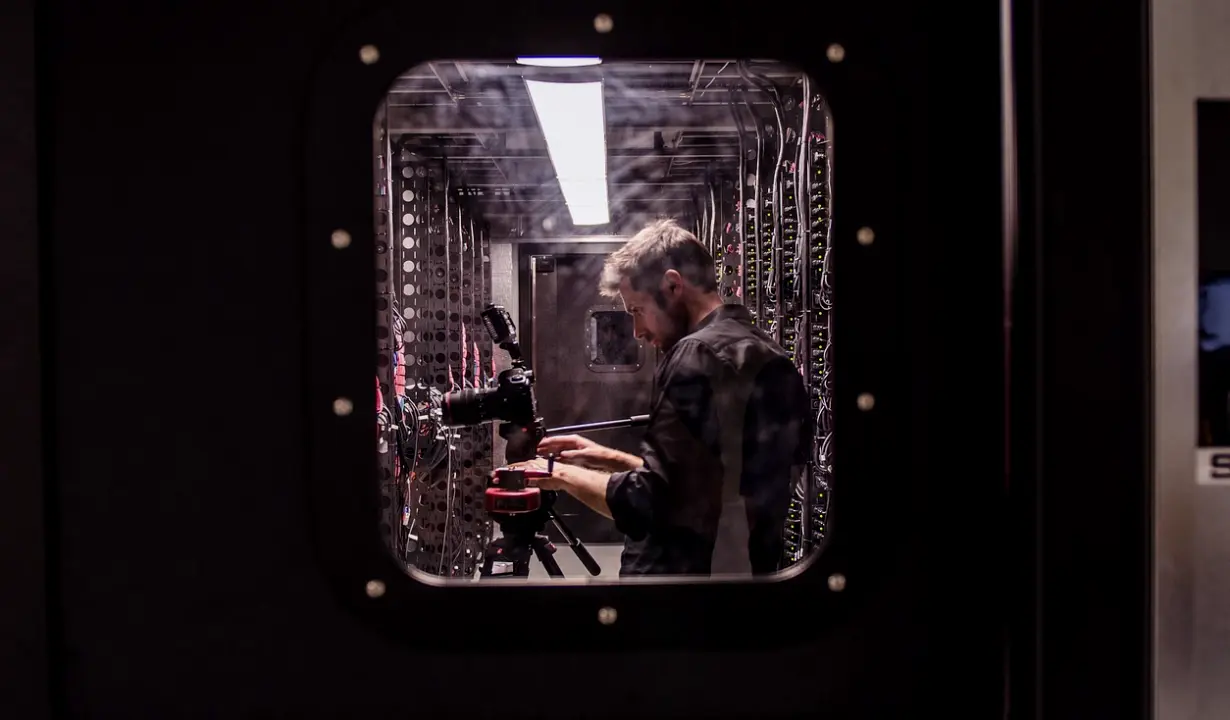
Two ways to read the same frame
Every camera used in a small studio offers some way to judge exposure without trusting the screen, and most people end up with one of two tools: the histogram or the waveform. Both turn the picture into a graph, but they answer different questions. In the exposure module we ask learners to use both on their own cameras before choosing a favourite, because a preference formed on someone else's gear rarely survives a real shoot.
The comparison below comes from sessions run during these autumn weeks, when low window light makes studio and event rooms harder to judge by eye. Each tool is tested on the same portrait set, with the same sitter, the same key light and the same camera, so any difference in what you learn comes from the tool and not from the scene.
What the histogram tells you
A histogram shows how many pixels sit at each brightness level, from black on the left to white on the right. It is fast, nearly every camera has one, and it needs no extra hardware. For portraits it quickly reveals clipping: a spike pressed against the right edge means highlights on a forehead or a white shirt are gone, and no later adjustment brings them back.
Its weakness is that it has no sense of position. It cannot say whether the bright pixels belong to the face or to the background, and a well-balanced histogram can still hide a dark cheek. That is why we teach it as a safety check on single cameras rather than as a way to compare one frame with the next.
- Quick to read and built into almost every camera
- Clearly shows clipped highlights and crushed shadows
- Gives no information about where in the frame the tones sit
What the waveform adds
A waveform plots brightness against the horizontal position in the frame. The left of the graph matches the left of the picture, so a face in the centre produces a cluster you can find and measure. Skin tones tend to sit in a predictable band, and learners soon see that a shifted cluster means the exposure on the sitter has moved, even when the background has not.
This makes the waveform much better for repeatability. When two frames are exposed a stop apart, the cluster visibly slides, whereas the histogram may only change shape slightly. The cost is practical: many cameras lack a waveform, so it often needs an external monitor or recorder, and reading it takes a few sessions of practice.
- Shows brightness by position, so the face can be isolated
- Makes shot-to-shot drift easy to spot
- Often needs a monitor, and takes some practice to read
Side by side on a portrait set
In our comparison set the sitter stays still, the key light is fixed, and only the aperture changes in small steps. On the histogram, the early steps look almost identical; the shape shifts right, but nothing alarms until highlights begin to touch the edge. On the waveform, the skin cluster rises with every step, and the exact step where the forehead starts to clip is obvious.
We then swap the lighting, adding a reflector on one side. The histogram barely notices. The waveform shows the shadow side lifting and the face becoming more even. For a studio that wants the same look across a dozen sitters, this difference matters more than any single reading, because predictable results depend on seeing small changes early.
Our recommendation
Start with the histogram, then move to the waveform as soon as your kit allows it. The histogram is the right first habit: it costs nothing, it protects against the one error that cannot be fixed afterwards, and it works on every camera in the room. Learners who skip it tend to lean on the screen preview, which lies under bright or dim ambient light.
For anyone running two or more cameras, or lighting portraits in sequence, the waveform should become the main tool. It is the only one of the two that lets you hold a face at the same level from shot to shot and from camera to camera. If budget allows only one purchase, an external monitor with a waveform is a more useful upgrade than another lens.
- One camera, occasional portraits: histogram first
- Several cameras or repeat sittings: waveform as the main tool
- Always keep the histogram on as a clipping check
Putting it into the test session
In the test session, we ask each learner to set exposure using the histogram alone, record a short portrait take, and then repeat the take using the waveform. Comparing the two takes on a calibrated screen shows how much drift crept into the first. Most people are surprised that the histogram take looks fine in isolation and only shows its looseness next to the second.
The result goes into the handover notes as a plain rule: which tool sets the exposure, which one checks it, and what level the face should sit at under the studio's standard lighting. A written level means a new team member can match the look on day one, without guessing from memory or relying on whoever shot the last job.
The histogram protects you from losing highlights, and the waveform keeps a face at the same level from one frame to the next. Learn the histogram first, add the waveform when your kit and your workload call for it, and write the chosen level into your handover notes so every camera and every operator lands in the same place.
You may also like
Exposure Mistakes in Portrait Work and How to Avoid Them
Priya Natarajan walks through the exposure and light-control errors she sees most often in test sessions, and the plain checks that stop them from reaching a real shoot.
What a Setup Review and Test Session Cost, and Why
A plain breakdown of what drives the price of a setup review, a test session and written handover notes, so a small studio can plan its budget before booking anything.
Get in touch
- Call us
- (402) 734-1110
- hello@starvixel.com